 macOS App
Hameleon Menu Bar Color Picker
Pick any color from your screen. One click — done.
$9.99 Free
Download Free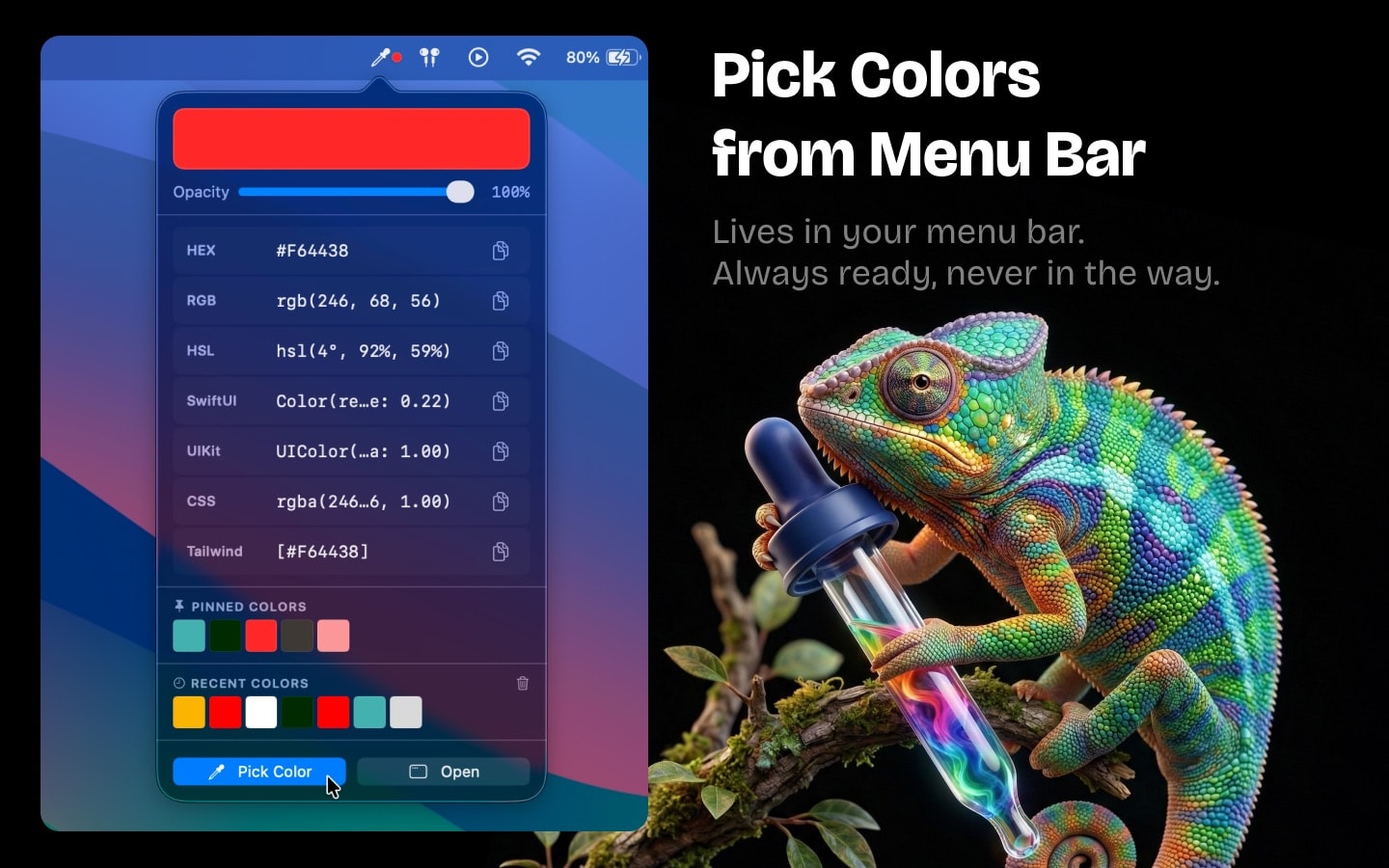
About
Hameleon is a free color picker for Mac that lives in your menu bar. Always one click away, never in the way. A lightweight alternative to Digital Color Meter — designed for developers and designers.
One-Click Color Picker
Point anywhere on your screen and pick any pixel. Instantly copy the color as HEX, RGB, HSL, CSS, SwiftUI, UIKit, or Tailwind — ready to paste into your code or design tool.
7 Color Formats
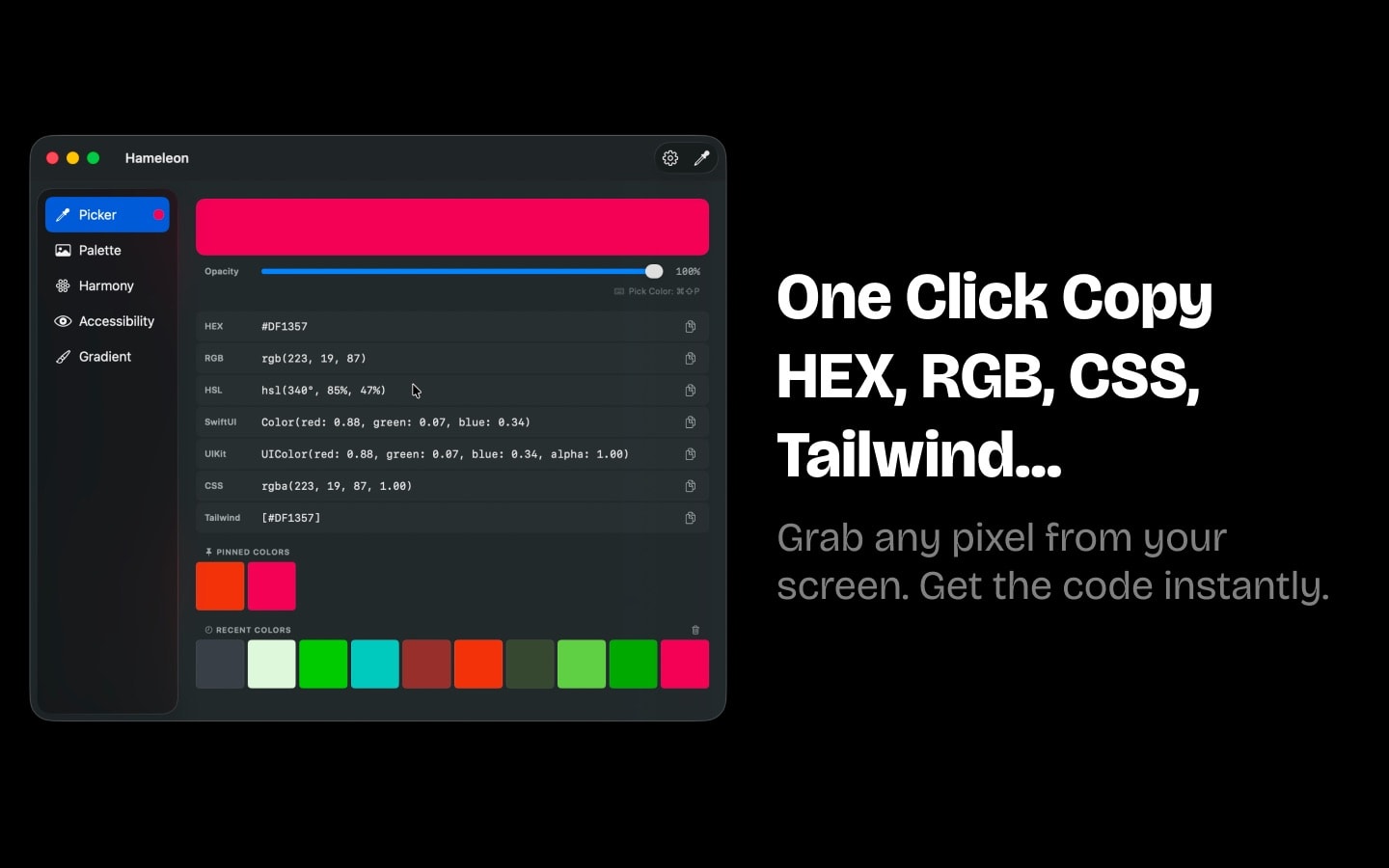
Copy colors as HEX, RGB, HSL, CSS, SwiftUI, UIKit, or Tailwind CSS with one click. Auto-copy to clipboard for instant use in any IDE or design tool.
Extract Palettes from Any Image
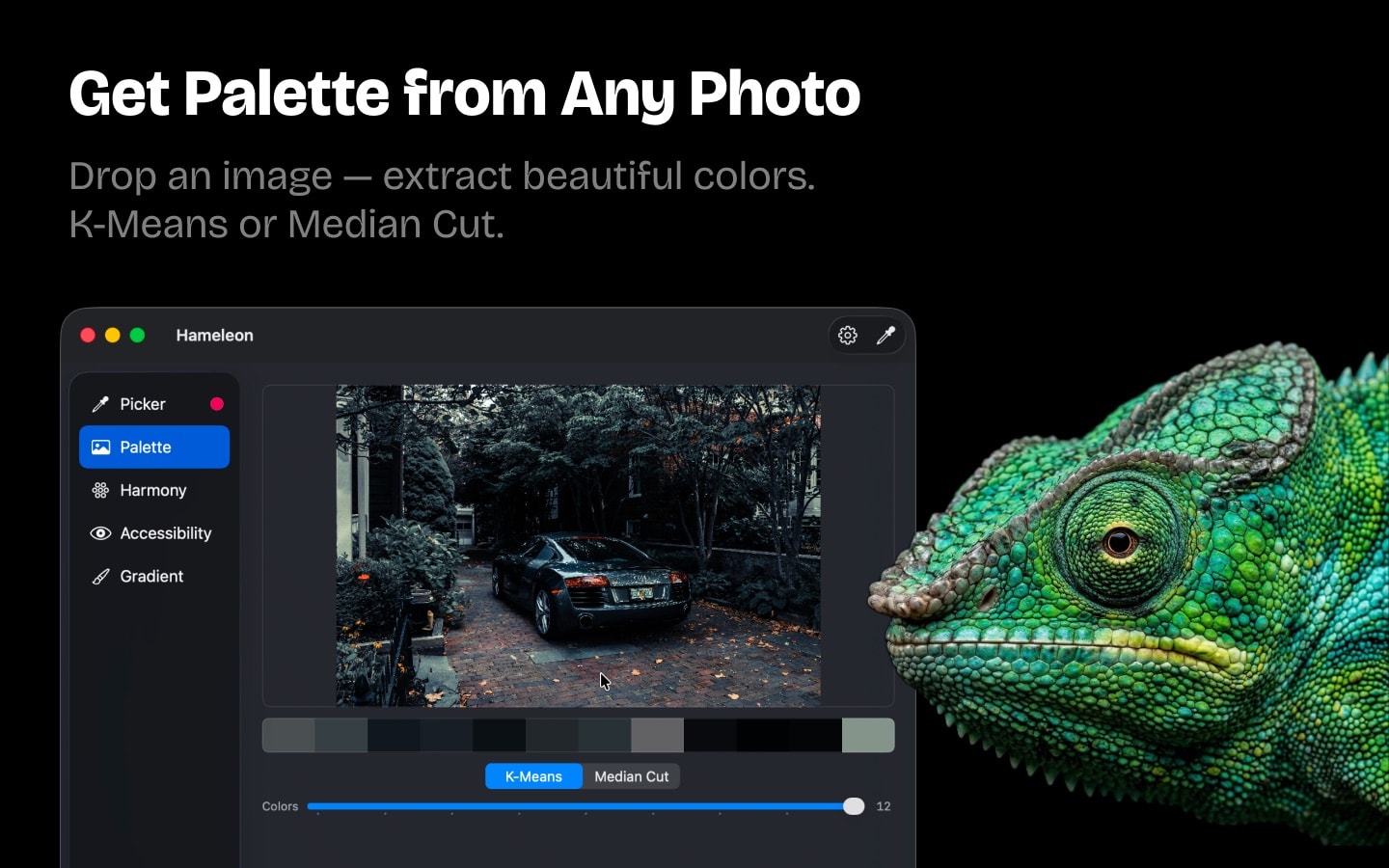
Drop an image — get a full color palette. Choose between K-Means or Median Cut extraction algorithms to get the most accurate results.
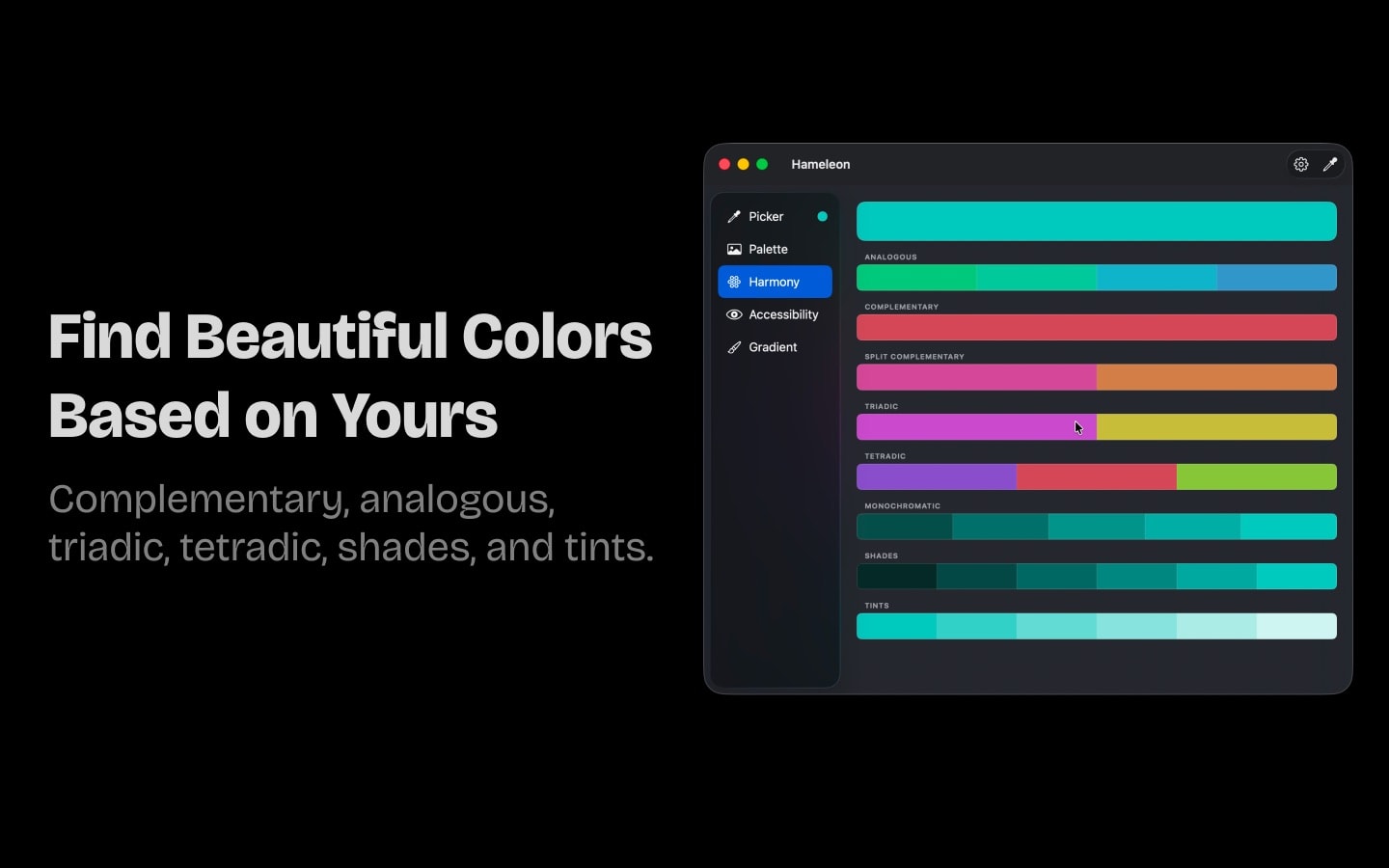
Color Harmony Generator
Pick one color — get complementary, analogous, triadic, tetradic, split-complementary, and monochromatic harmonies. Perfect for building design systems and UI palettes.
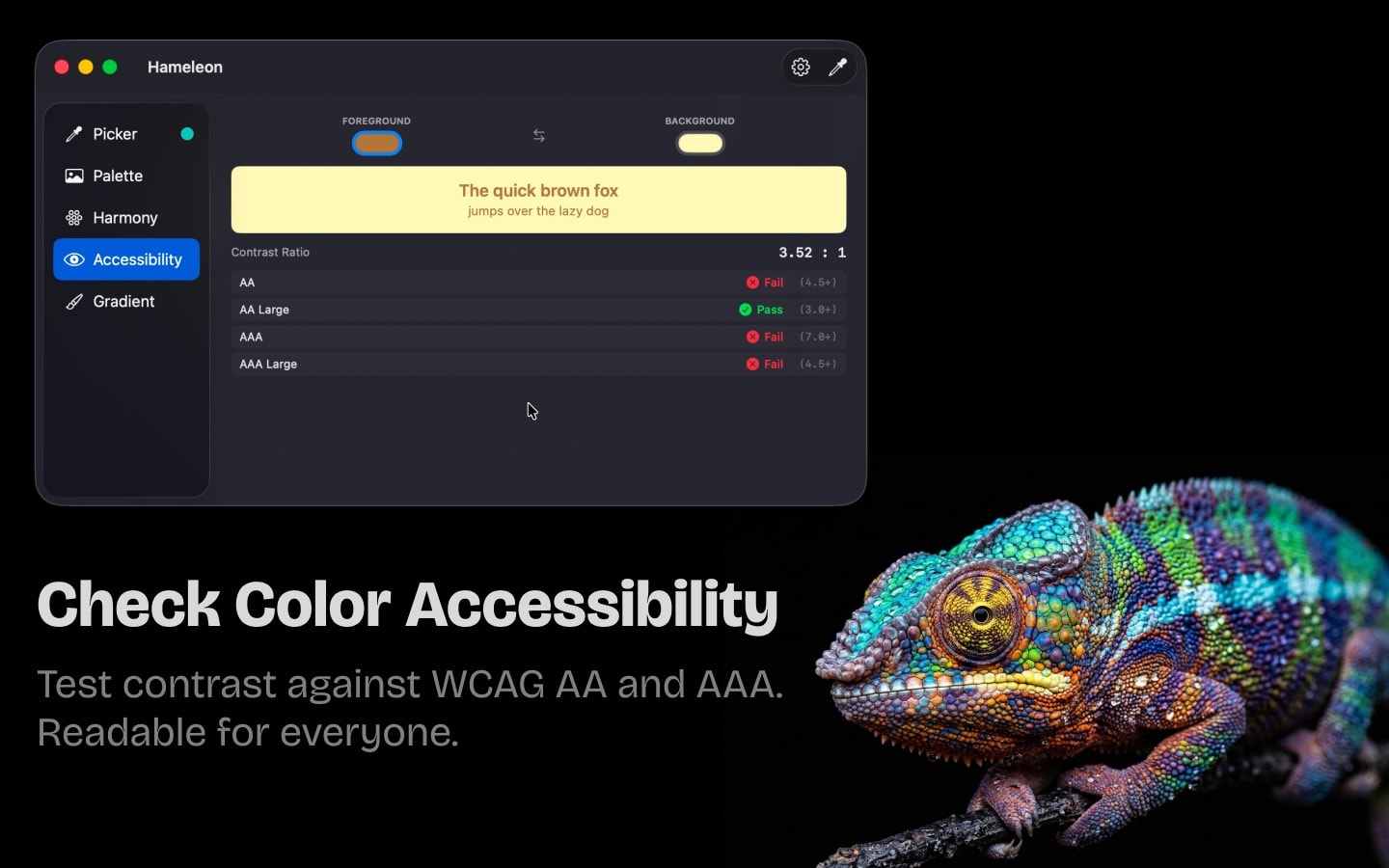
WCAG Contrast Checker
Test any two colors against WCAG 2.0 AA and AAA accessibility standards. Make sure your text, buttons, and UI elements are readable for everyone.
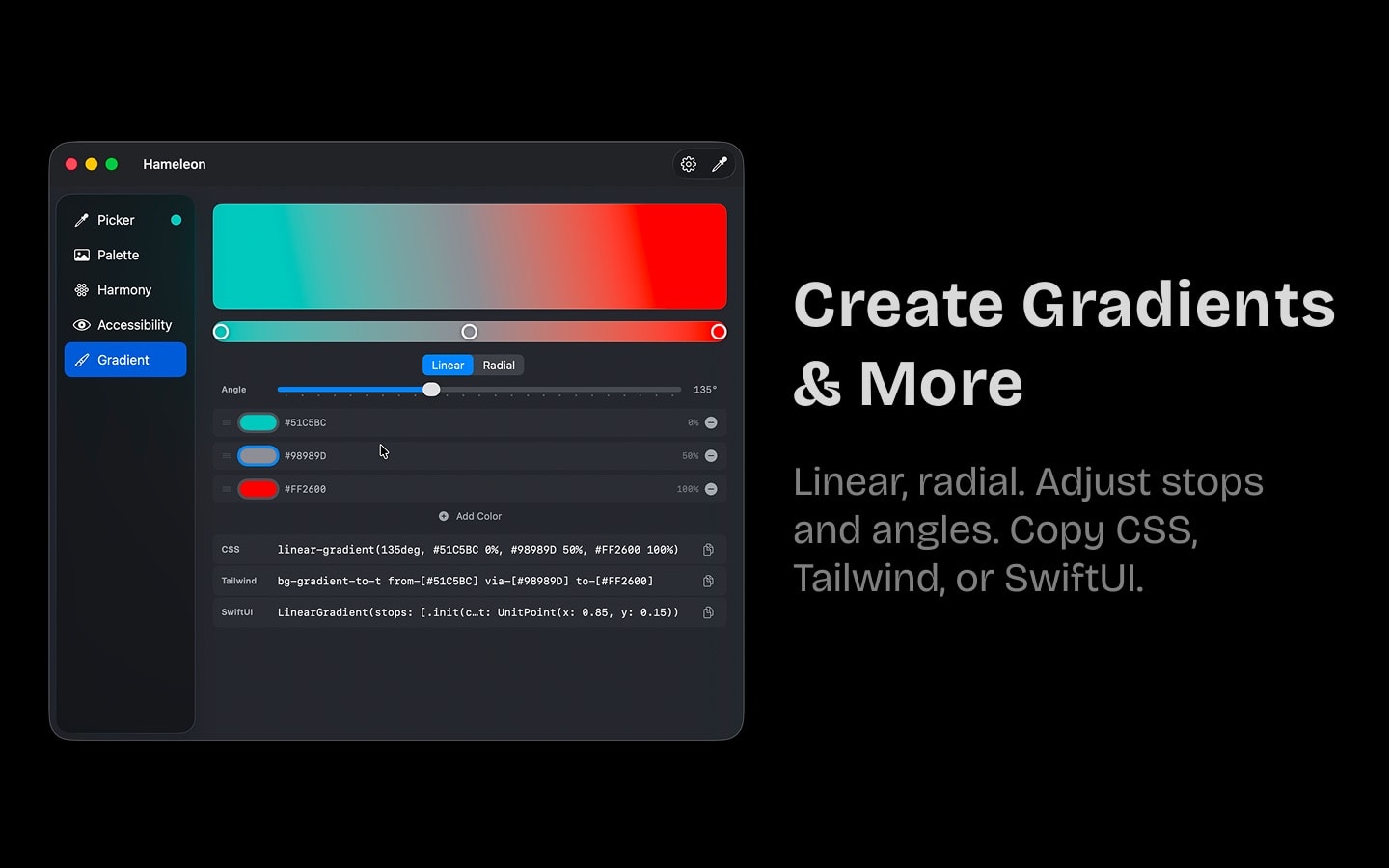
Gradient Builder
Create linear and radial gradients with up to 5 color stops. Adjust angles and positions. Export as CSS, Tailwind, or SwiftUI code with one click.
Lightweight & Private
Under 2 MB, zero impact on performance. Pin your favorite colors. Color history saved across sessions. Customizable global keyboard shortcut. No account, no internet required, no tracking. 100% private.
Frequently Asked Questions
- Is Hameleon free?
- Yes, Hameleon is completely free on the Mac App Store. No in-app purchases, no subscriptions, no hidden costs.
- What color formats does Hameleon support?
- Hameleon supports 7 color formats: HEX, RGB, HSL, CSS, SwiftUI, UIKit, and Tailwind CSS. Each format is copied to your clipboard with one click.
- Does Hameleon work offline?
- Yes, Hameleon works entirely offline. No internet connection is required. No data is sent anywhere — the app runs 100% locally on your Mac.
- What macOS version is required?
- Hameleon requires macOS 13.0 (Ventura) or later. It is a native macOS app built with the latest Apple technologies.
- Does Hameleon collect any data?
- No. Hameleon collects zero data — no tracking, no analytics, no account required. Your colors and preferences stay on your device.
- Is Hameleon a good alternative to Digital Color Meter?
- Yes. Hameleon does everything Digital Color Meter does, plus offers 7 color formats, palette extraction from images, color harmonies, WCAG contrast checking, and gradient building — all from your menu bar.
- What languages does Hameleon support?
- Hameleon is available in English, French, German, Japanese, Portuguese, Russian, Simplified Chinese, and Spanish.