 macOS App
Koler Screen Test
Find dead pixels & check your display. 18 tests in one app.
Coming SoonmacOS AppFind dead pixels & check your display. 18 tests in one app.
Coming Soon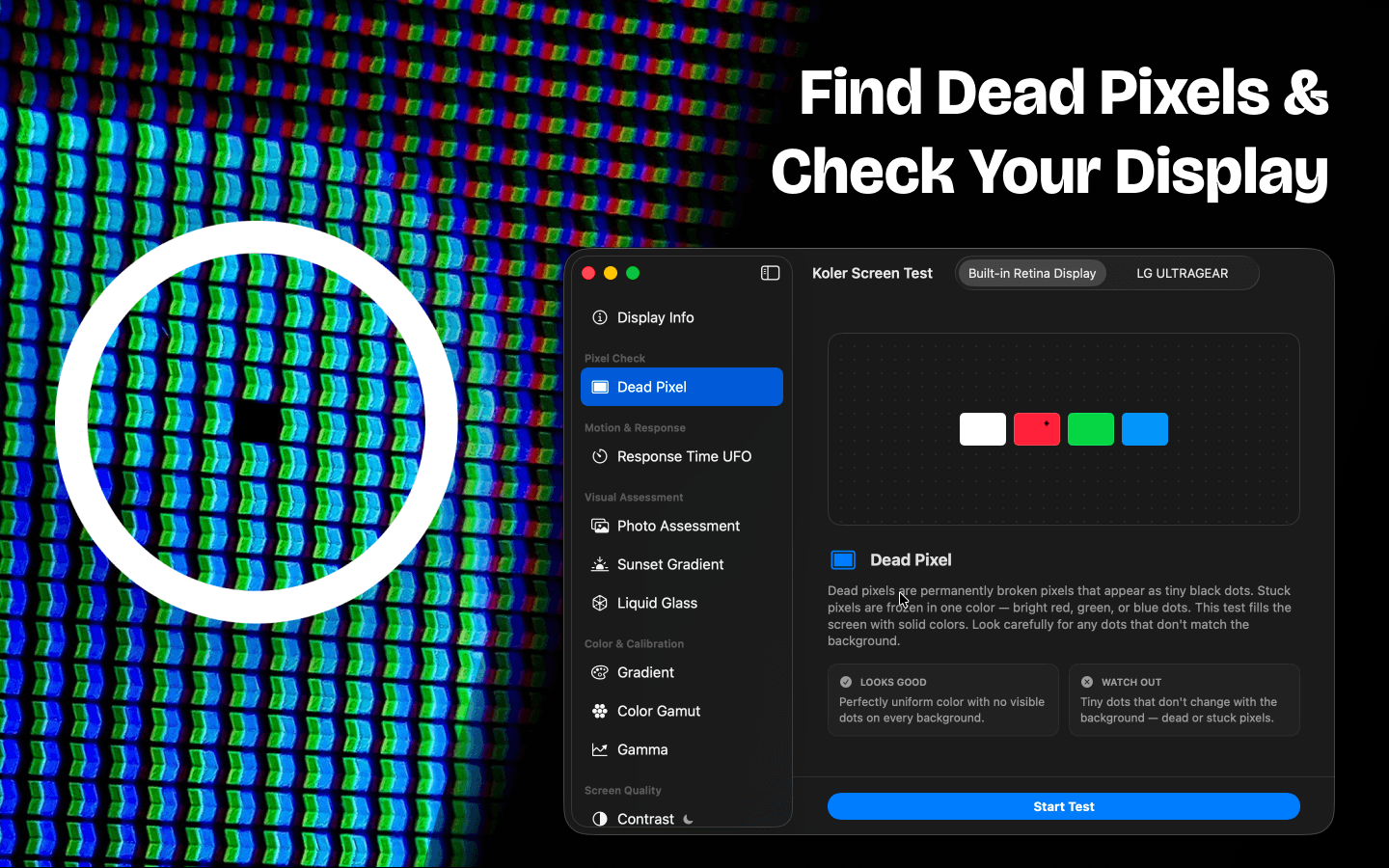
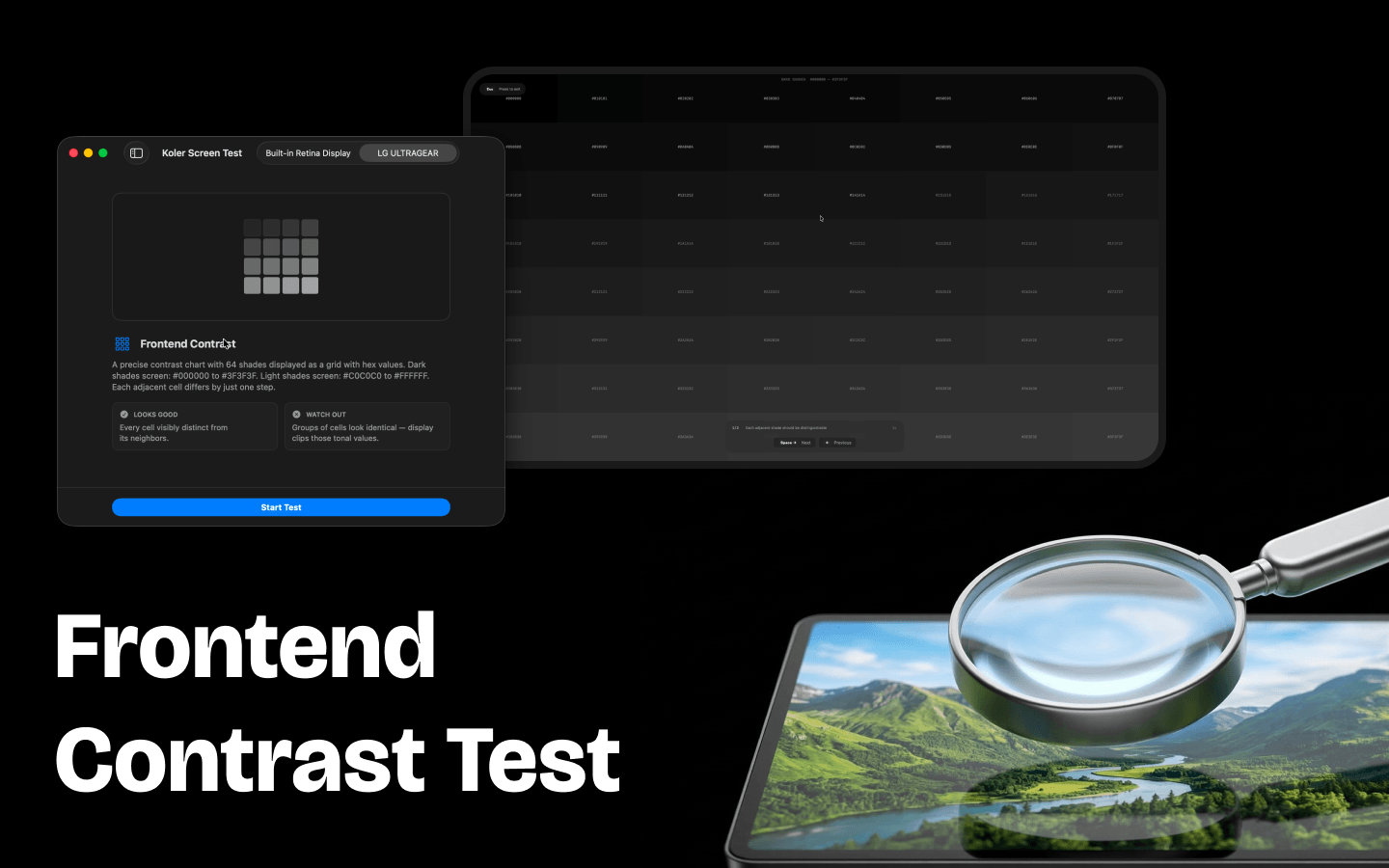
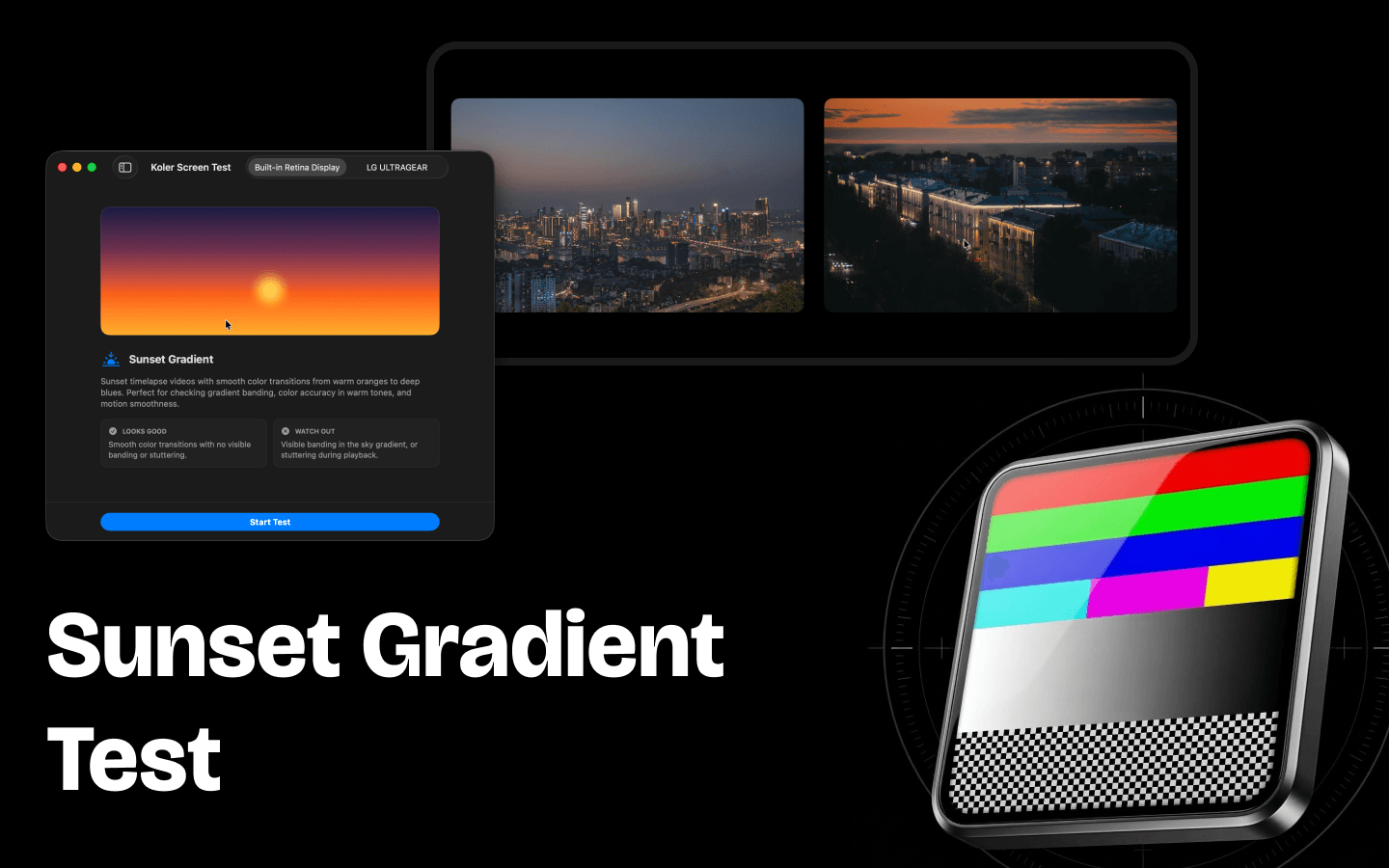
Koler is a display test tool for Mac. It shows full-screen test patterns so you can visually check for dead pixels, backlight issues, color accuracy, and more — all in one fast, lightweight native app.
Whether you're setting up a new monitor, inspecting a used display before buying, or evaluating color accuracy for creative work — Koler gives you the test screens to do it in seconds.
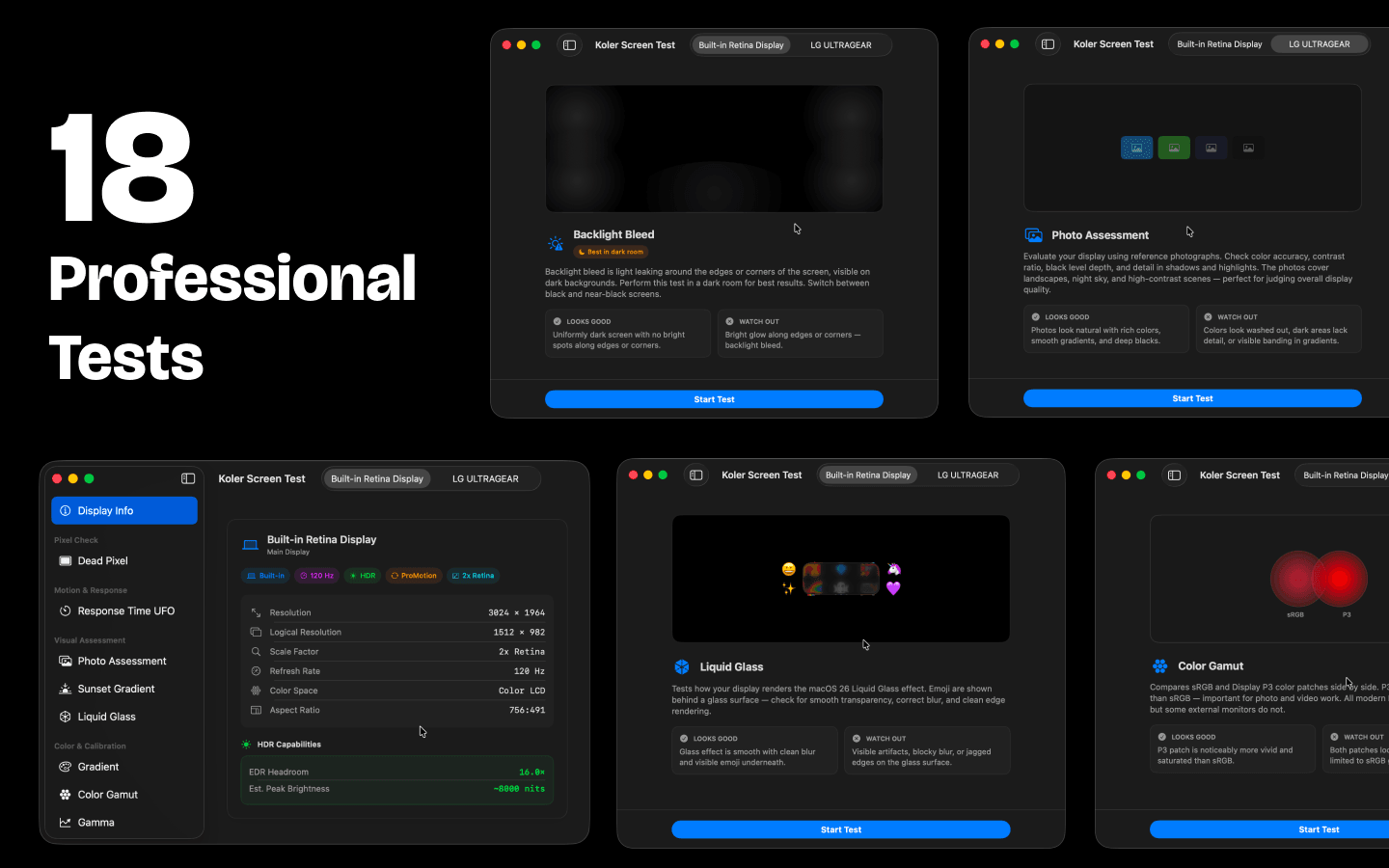
18 Tests Included. Dead Pixel, Photo Assessment, Sunset Gradient, Liquid Glass, Response Time UFO, Contrast, Backlight Bleed, Screen Burn-in, Screen Uniformity, Frontend Contrast, PWM Flicker, Gradient, Color Gamut (sRGB vs P3), Gamma, Sharpness & Geometry, Text Rendering, Viewing Angles, and Crosshair.
Photo & Video Assessment. Evaluate your display with real-world reference photos and timelapse videos — see how colors, gradients, and dark details look on your screen.
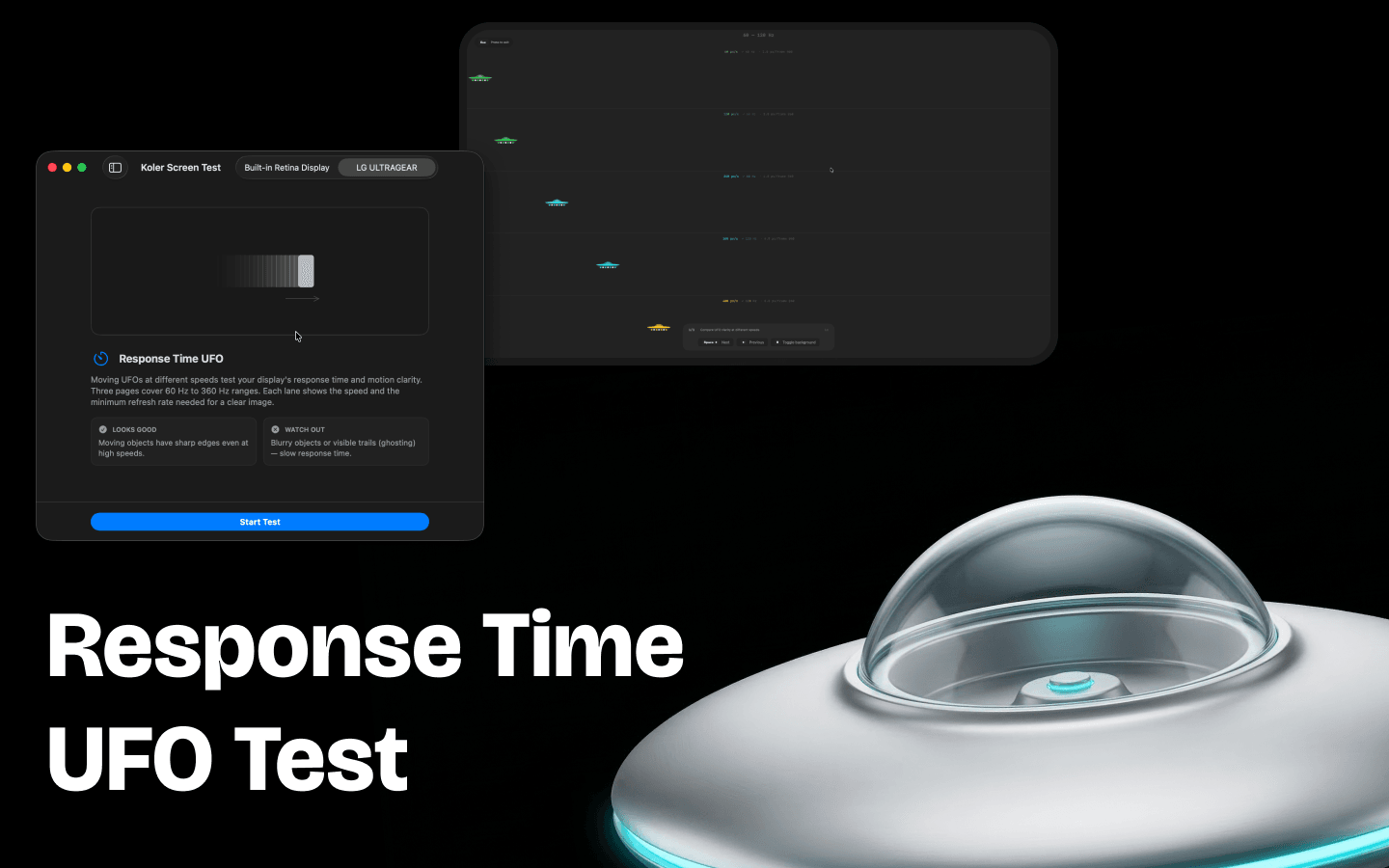
Response Time UFO Test. Moving objects at different speeds reveal ghosting, motion blur, and response time issues — essential for gamers and video editors.
Display Information. Detailed info panel for each connected screen: resolution, refresh rate, HDR, ProMotion, EDR, color profile, and more.
Multi-Monitor Support. Choose which display to test. Works with built-in displays, external monitors, and projectors. Auto-cycle mode for hands-free testing.
100% native macOS app — instant launch, zero lag, tiny footprint. Clean interface, no clutter, no ads. Built with the latest Apple technologies.
Free on the Mac App Store. No account required.
Coming SoonFree · macOS 14+