
 macOS App
Hameleon Free macOS Color Picker
Any pixel on your screen, copied as HEX, RGB or Tailwind. One click — done.
$9.99Free
- Free
- macOS 13+
- 2 MB
- Offline
- No account
01 / 04
A look inside
02 / 04
What Hameleon does
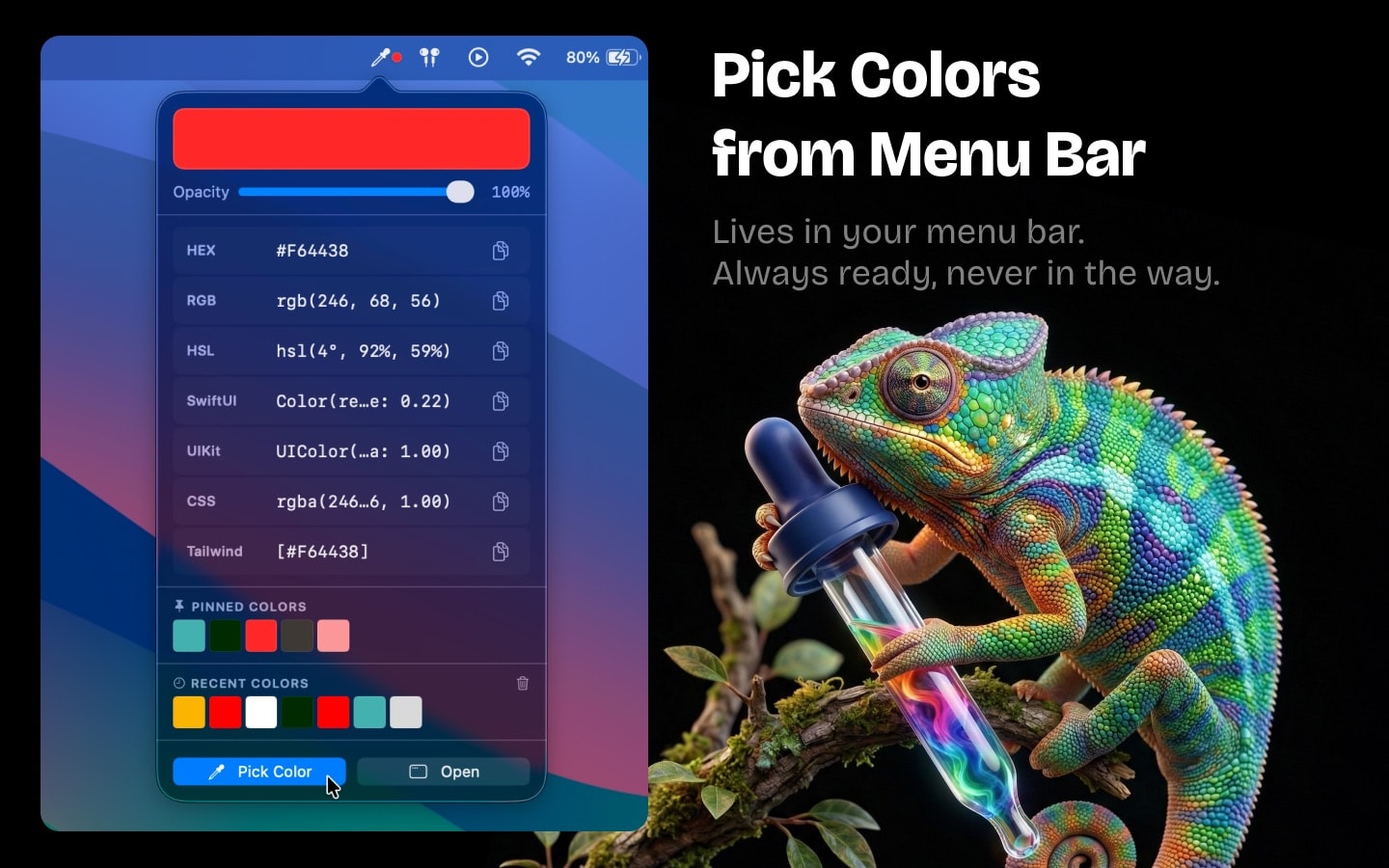
Hameleon is a free color picker for macOS that lives in your menu bar — always one click away, never in the way. Point at any pixel on screen and the color is already on your clipboard as HEX, RGB, CSS or Tailwind. Everything else designers and developers reach for is right there too: palettes, harmonies, contrast checks and gradients. Under 2 MB, fully offline.
Pick any pixel
Open the eyedropper from the menu bar or your own keyboard shortcut, point anywhere on screen, click. The color is copied.
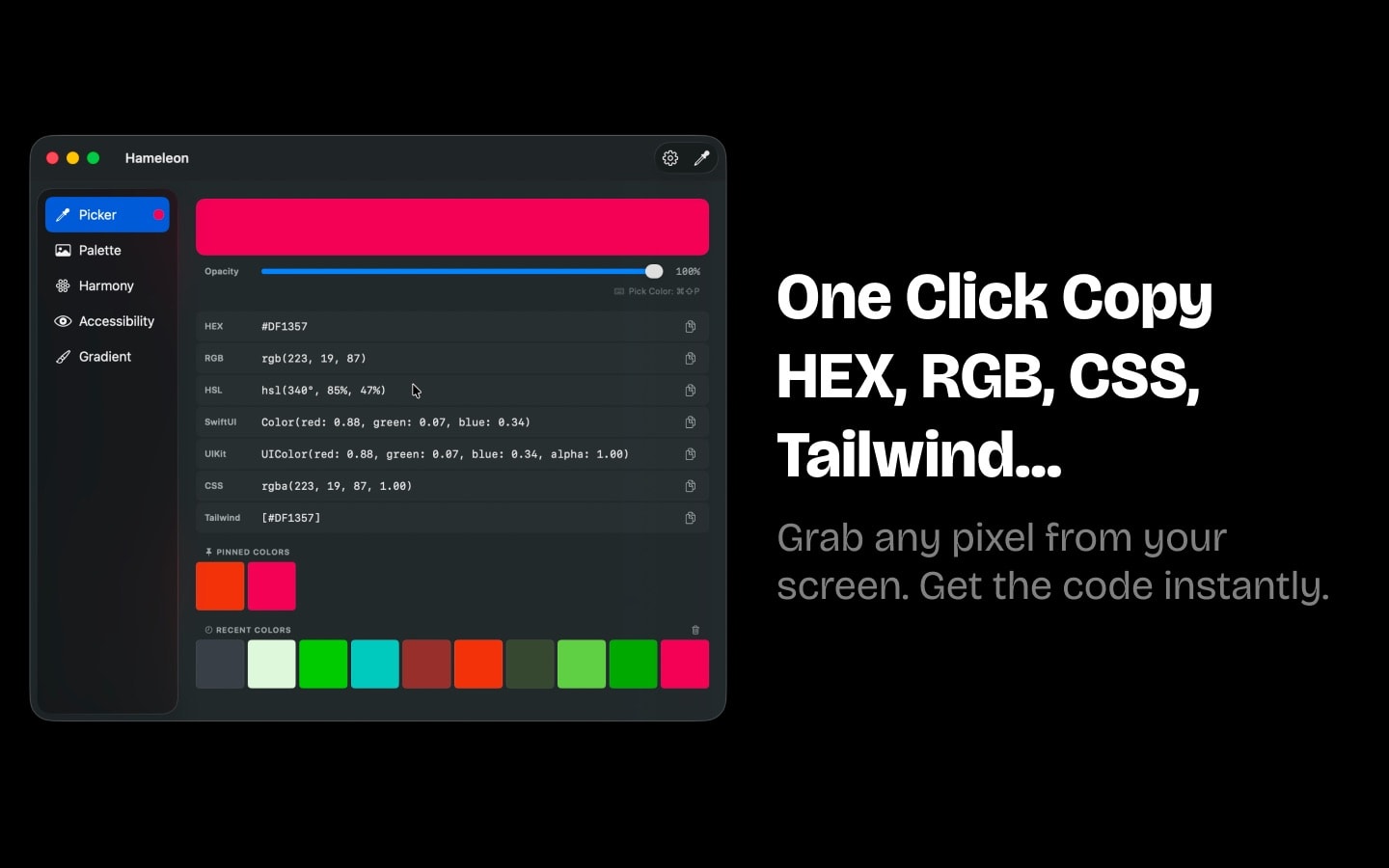
7 formats, one click
HEX, RGB, HSL, CSS, SwiftUI, UIKit, Tailwind. Set your default and it lands on the clipboard ready to paste into your editor.
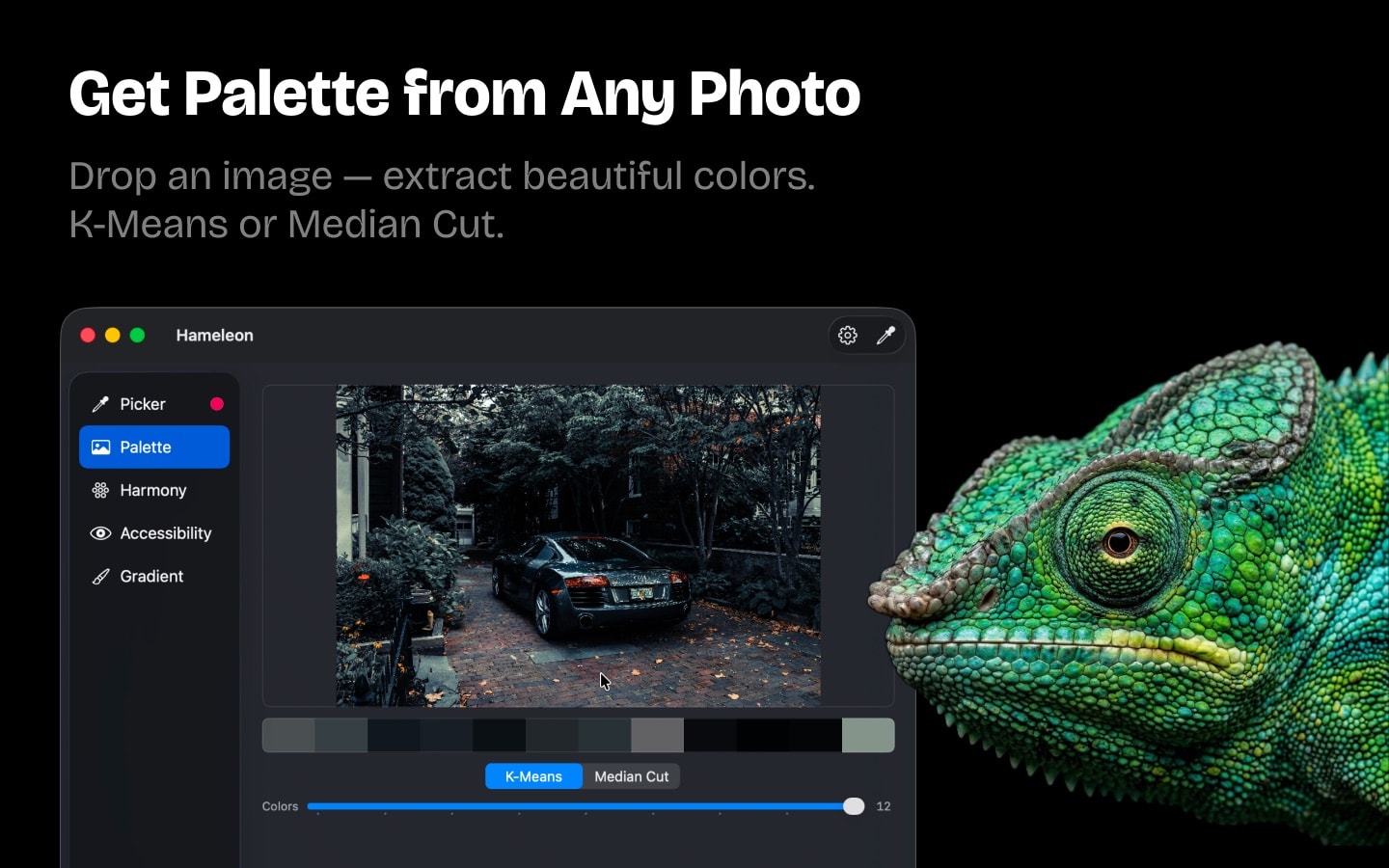
Palette from any image
Drop in a photo or a screenshot to get its palette. Switch between K-Means and Median Cut when you want a different read on the same image.
Colors that go together
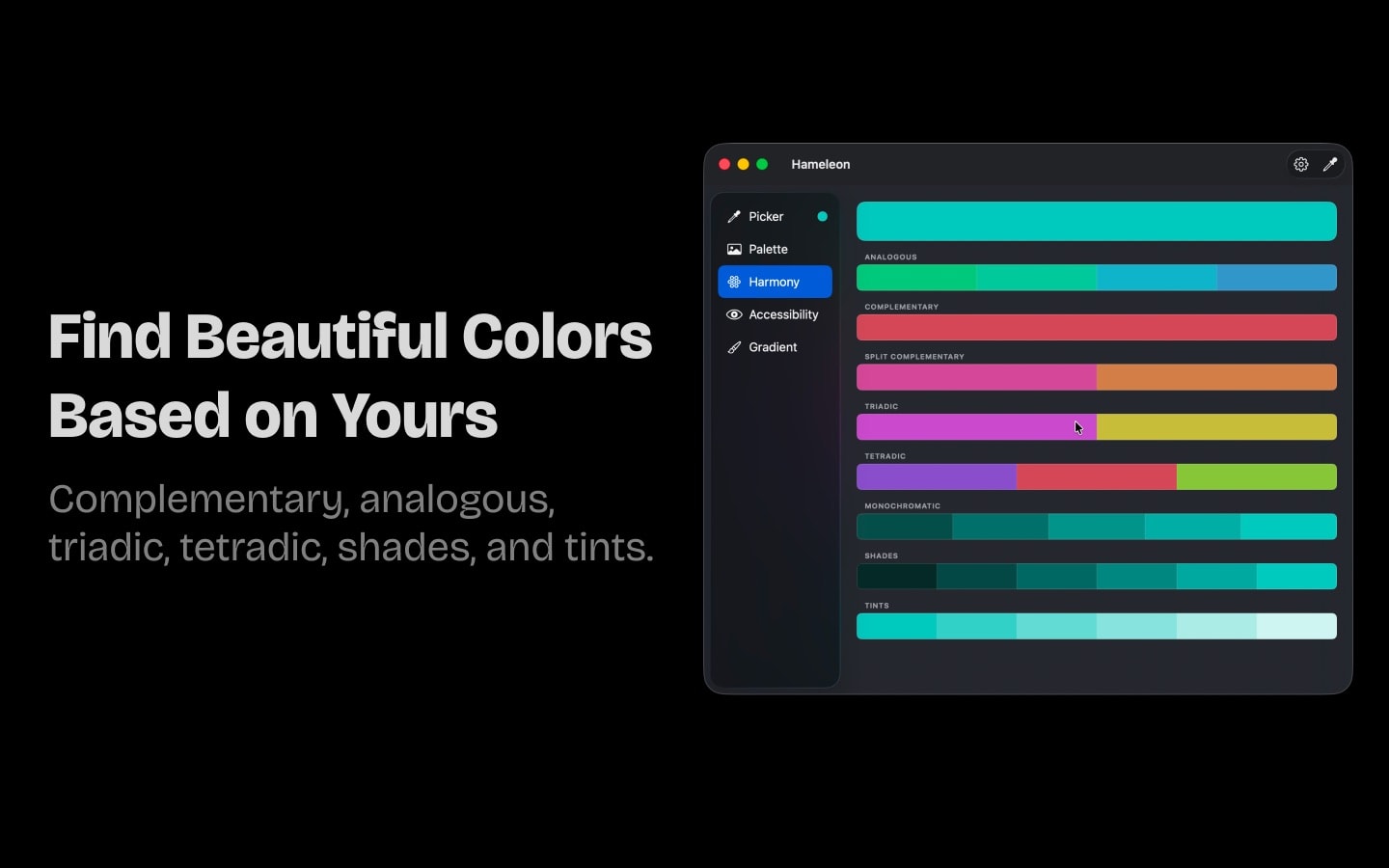
From one color, get complementary, analogous, triadic, tetradic, split-complementary and monochromatic sets — a fast start for any UI palette.
Contrast you can ship
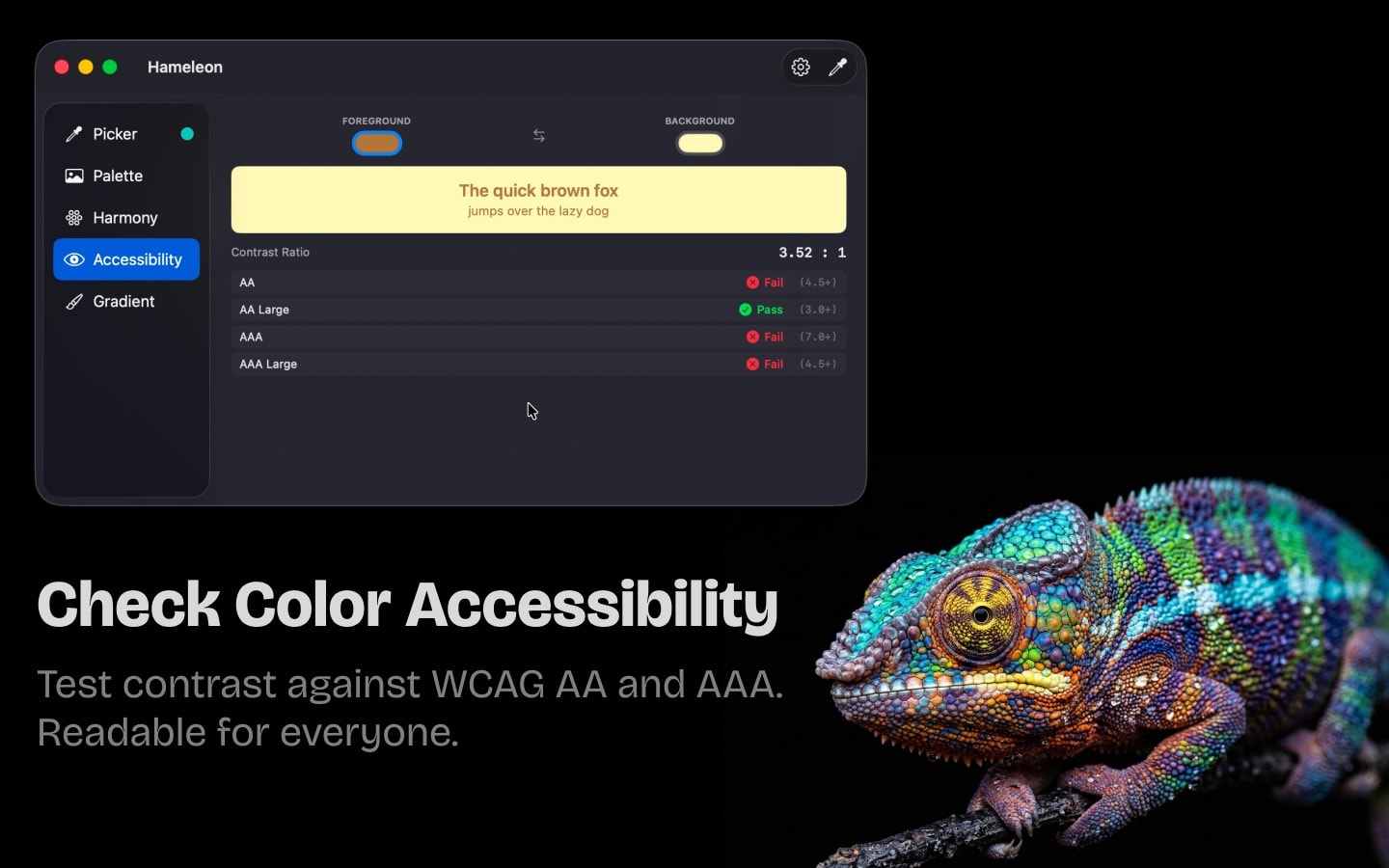
Check any pair of colors against WCAG 2.0 AA and AAA before it reaches production, so text and buttons stay readable for everyone.
Gradient builder
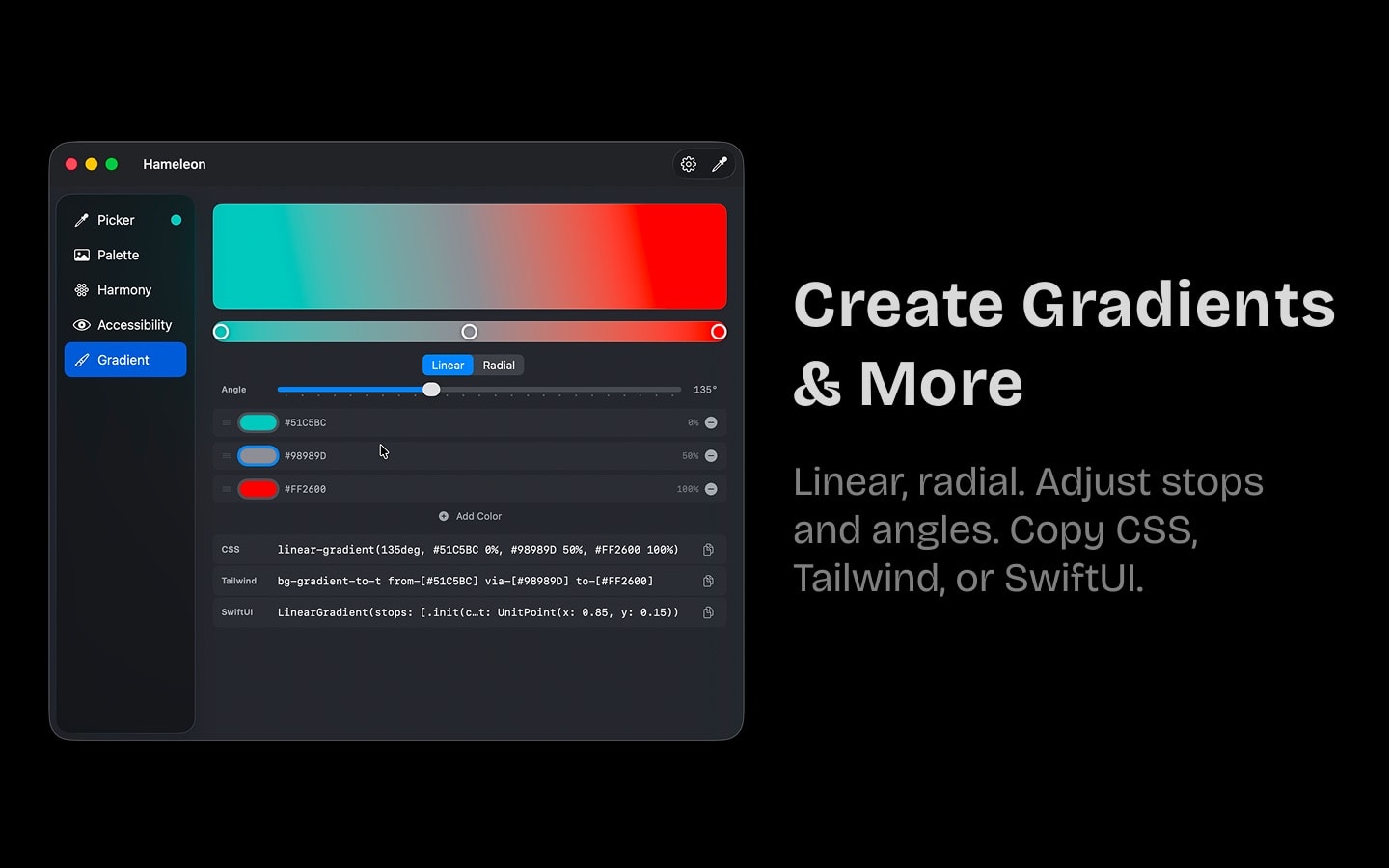
Linear or radial, up to 5 stops, any angle — exported as CSS, Tailwind or SwiftUI code.
Colors you keep
Pin the ones you use every day and scroll back through your history. It survives restarts, so nothing you picked is lost.
2 MB and private
No account, no internet, no tracking, no battery drain. Hameleon runs entirely on your Mac and stays out of the way.
03 / 04
Frequently asked questions
Is Hameleon really a free color picker for Mac?
Yes. Hameleon is completely free on the Mac App Store — no in-app purchases, no subscription, no trial. It used to be $9.99.
How do I pick a color from my screen on macOS?
Click the Hameleon icon in the menu bar or press your global shortcut, move the magnifier over any pixel on screen and click. The color is copied to your clipboard in your chosen format right away.
Which color formats does Hameleon support?
Seven: HEX, RGB, HSL, CSS, SwiftUI, UIKit and Tailwind CSS. Each one copies to the clipboard in a single click.
Is Hameleon a good Digital Color Meter alternative?
Yes. It does what Digital Color Meter does and adds one-click copying in 7 formats, palette extraction from images, color harmonies, WCAG contrast checking and a gradient builder — all from the menu bar.
Does Hameleon work offline, and does it collect data?
It works entirely offline and collects zero data — no account, no sync, no tracking, no analytics. Your colors stay on your Mac.
What do I need to run it?
A Mac on macOS 13 (Ventura) or later. Hameleon is a native app under 2 MB, available in 30+ languages including English, French, German, Japanese, Portuguese, Russian, Simplified Chinese and Spanish.
04 / 04
Ready to pick colors?
Free on the Mac App Store. No account, no strings.