
 macOS App
Koler Free Dead Pixel & Display Test
Dead pixels, backlight bleed, burn‑in, ghosting, color accuracy. 20+ tests in one app.
$9.99Free
- Free
- macOS 15+
- 20+ tests
- Offline
- No permissions
01 / 04
A look inside
02 / 04
What Koler does
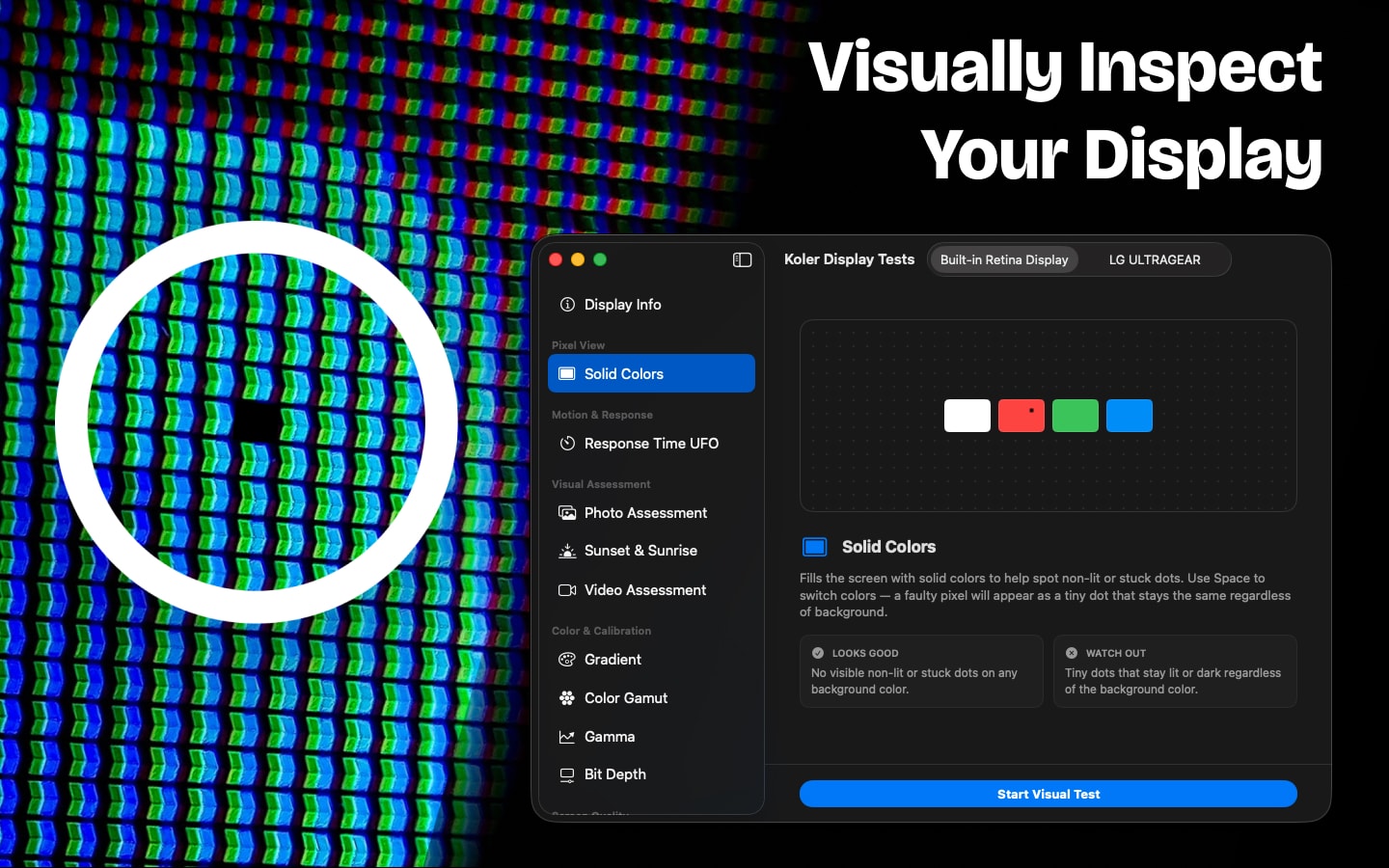
Koler is a free dead pixel test and display checker for Mac. Run 20+ full-screen tests for dead pixels, backlight bleed, burn-in, ghosting and color accuracy — in a native app that covers every pixel, unlike a browser tab with a menu bar in the way. Inspecting a new MacBook, checking a used monitor before you pay for it, or calibrating your eye for creative work: it takes minutes and needs no permissions.
Dead pixel test
Full-screen white, black, red, green, blue and gray make any dead, stuck or hot pixel obvious. The fastest way to check a MacBook or external monitor.
Backlight bleed & IPS glow
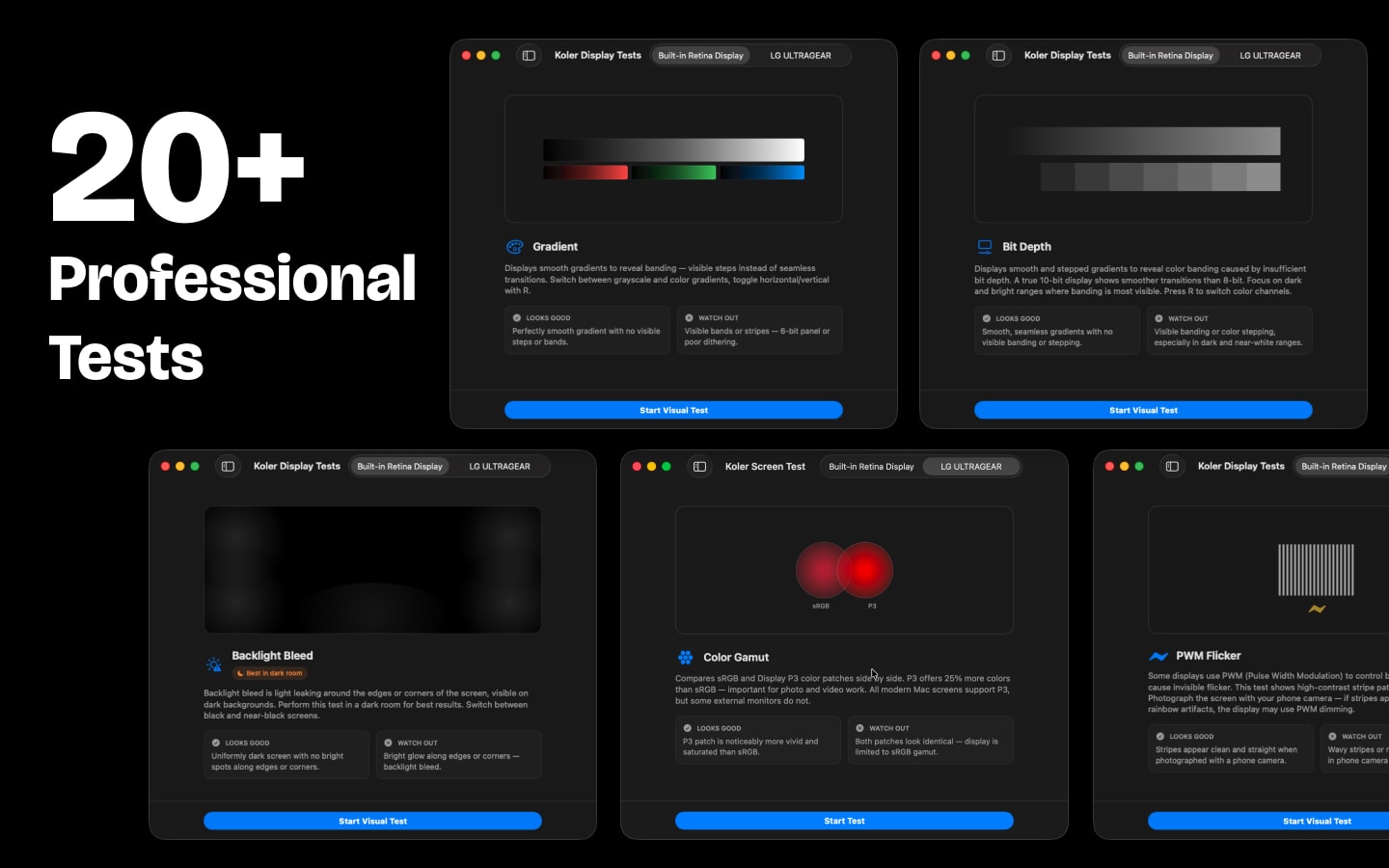
A full-screen black pattern in a dark room reveals light leaking around edges and corners — the standard check for panel quality.
Burn-in & image retention
Solid colors and gray screens expose permanent OLED burn-in and temporary LCD image retention. Essential for used displays.
UFO response time test
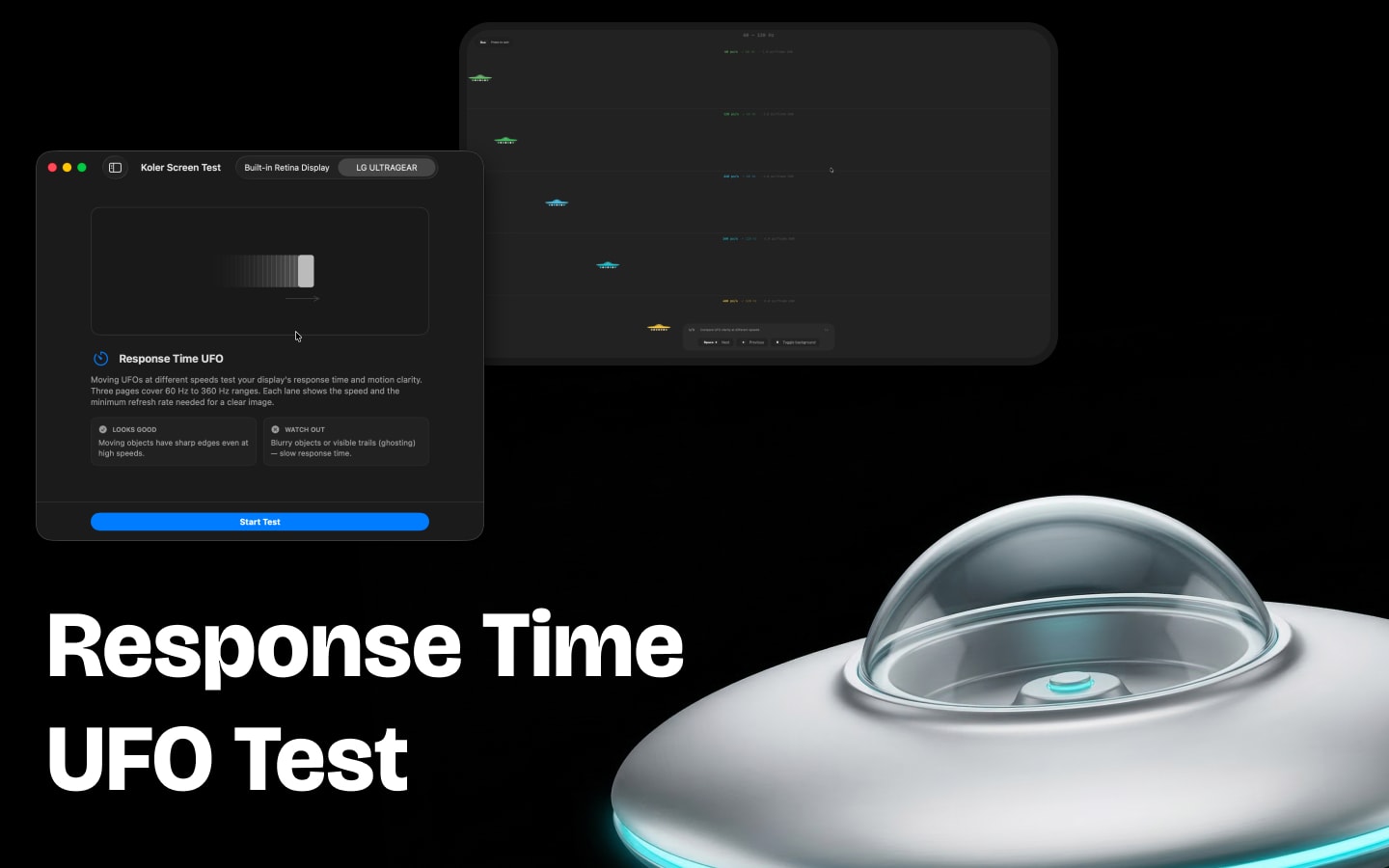
Objects moving at different speeds expose ghosting, motion blur and slow pixel response — the test gamers and video editors ask for.
sRGB vs Display P3
A side-by-side gamut comparison. If both halves look identical, your monitor doesn't do wide color.
Gradients, contrast & gamma
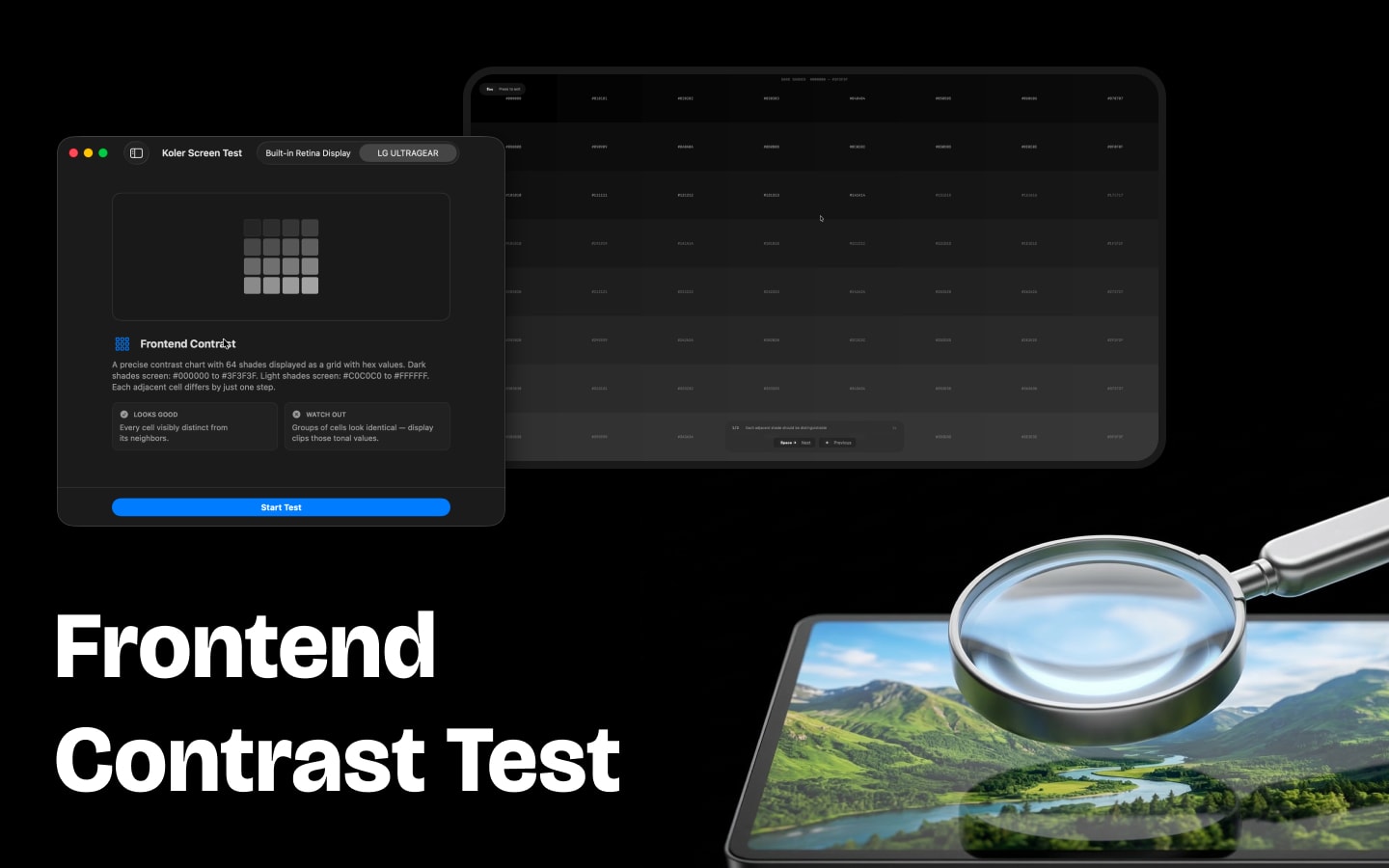
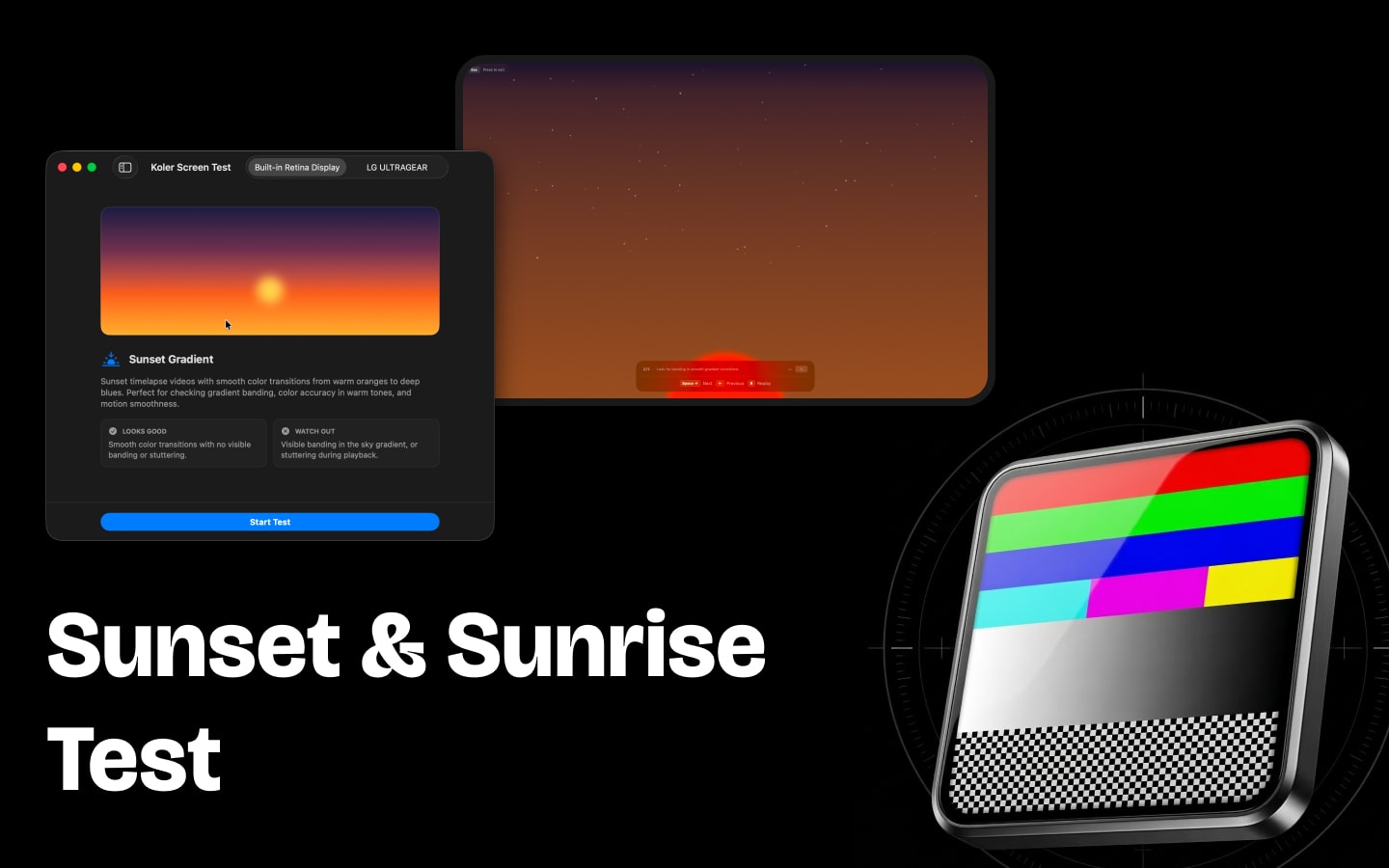
Smooth gradients reveal banding and dithering; near-black and near-white patterns check contrast; stripe patterns verify gamma.
Uniformity, sharpness, flicker
Scan for clouding and uneven backlighting, check geometry and text rendering, and detect PWM flicker across the whole panel.
Real photos and video
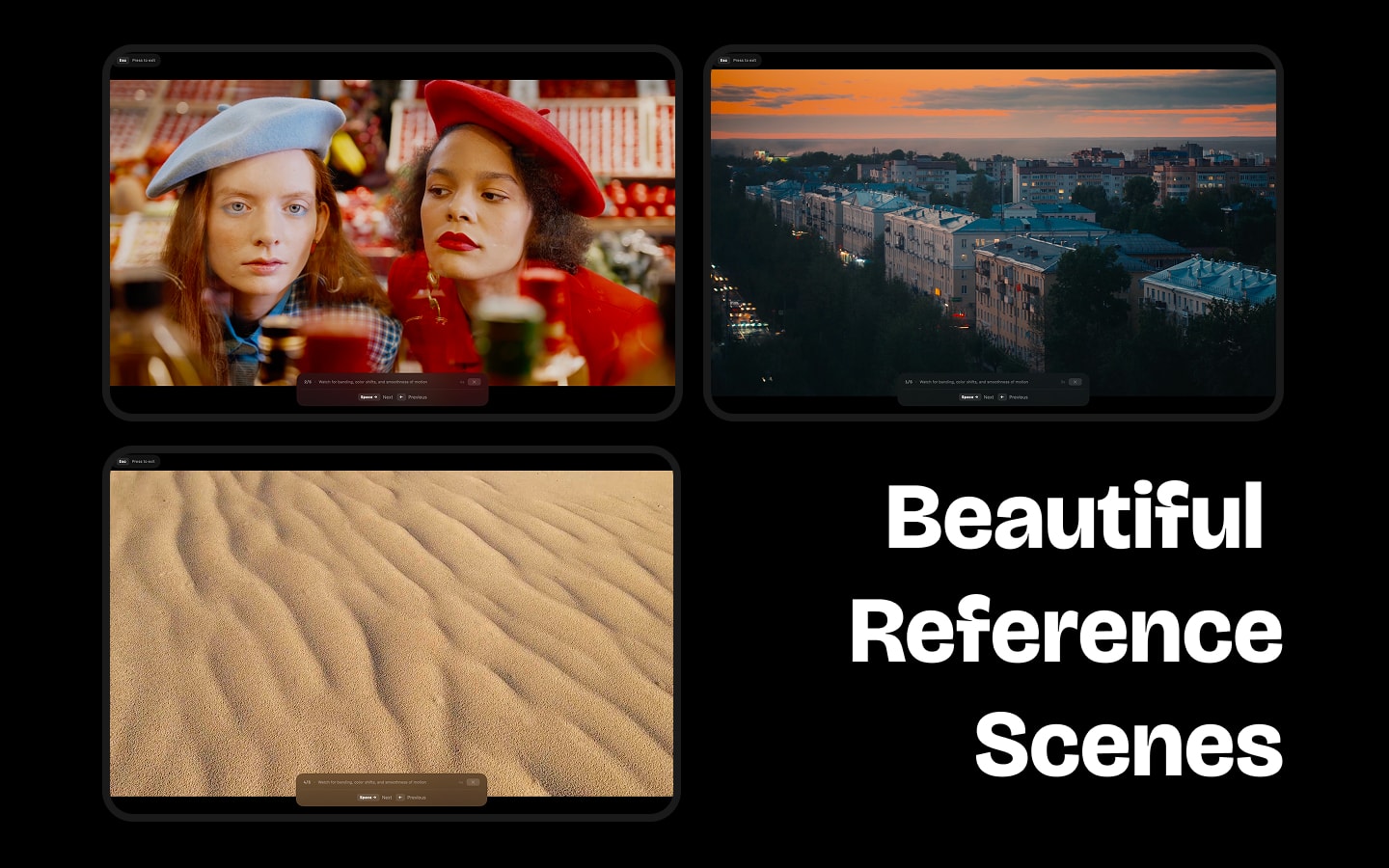
Reference photos and timelapses show how your screen handles natural color, shadow detail and highlights — the way your content actually looks.
Every display you own
Built-in screen, external monitor, ultrawide or projector. Switch instantly, or let auto-cycle run the whole suite hands-free.
Display info panel
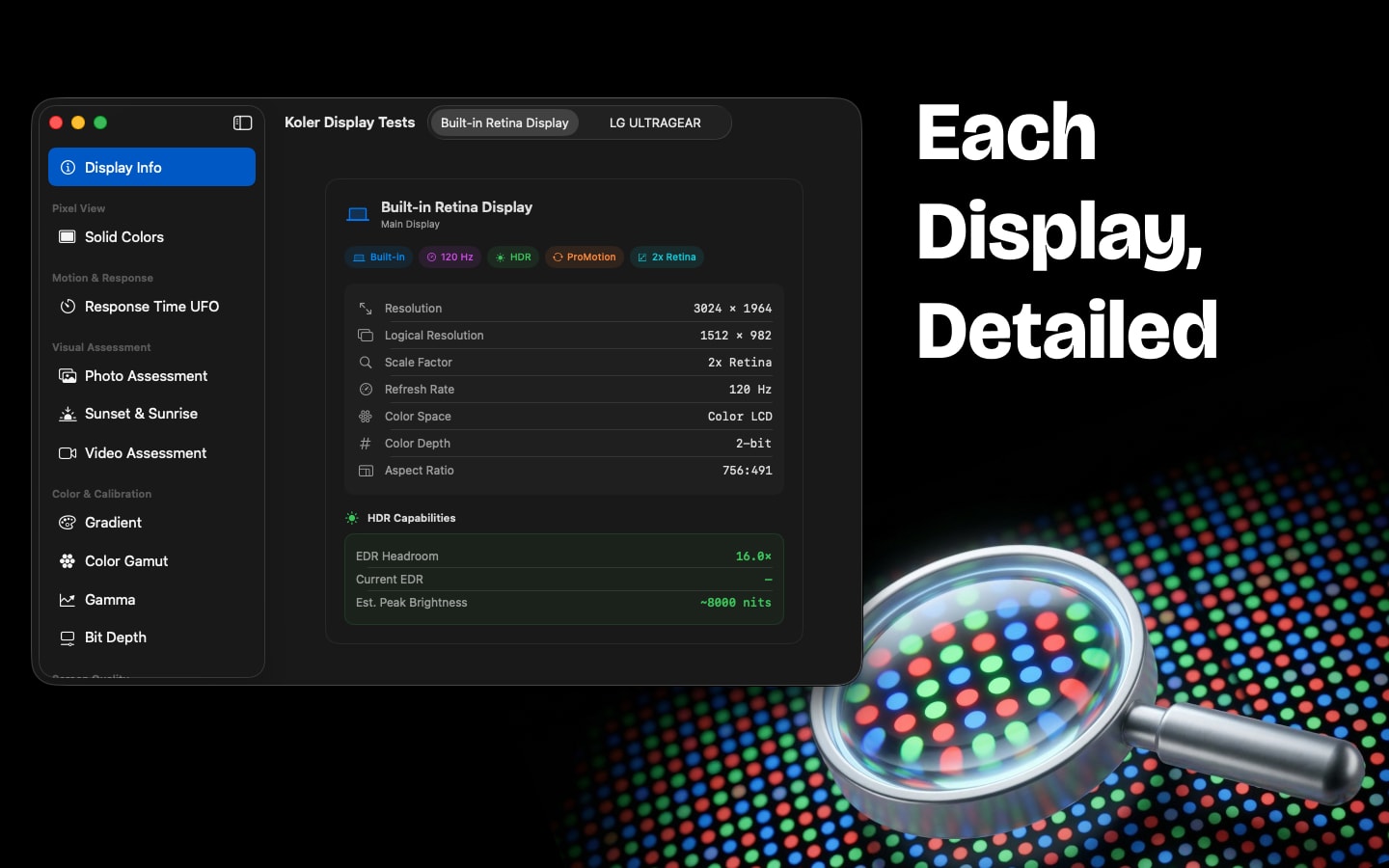
Resolution, refresh rate, color space, HDR support, ProMotion, EDR headroom and panel type — know exactly what your display can do.
03 / 04
Frequently asked questions
How do I check for dead pixels on my Mac?
Open Koler and run the Dead Pixel test. It fills the screen with white, black, red, green, blue and gray in turn. Look for any dot that doesn't match the rest: a black dot on a colored background is a dead pixel, a colored dot that never changes is a stuck pixel. It takes about two minutes.
Is Koler free?
Yes, Koler is completely free on the Mac App Store. No in-app purchases, no subscription — all 20+ tests are included.
How do I test for backlight bleed?
Run the Backlight Bleed test in a dark room. It shows a full-screen black image; check the edges and corners for bright patches or leaking light. A warm glow visible only at an angle is IPS glow and is normal for IPS panels.
Can Koler detect burn-in on an OLED display?
Yes. The burn-in test uses solid colors and gray screens that make permanent pixel degradation and ghost images easy to see — it works for OLED burn-in and LCD image retention alike, which is what you want when checking a used display.
How do I test a monitor before buying it?
Connect it to any Mac with Koler and run the dead pixel test first, then backlight bleed, gradient banding and color gamut. Auto-cycle runs all 20+ tests hands-free. The full check takes under five minutes.
Is Koler better than an online dead pixel test?
In a browser your menu bar, dock and browser chrome stay on screen, so you can't inspect the whole panel. Koler is a native app that covers every pixel, works offline, and adds 20+ tests beyond dead pixels.
What's the difference between sRGB and Display P3?
Display P3 covers roughly 25% more colors than sRGB. Koler shows both side by side — if they look identical, your monitor doesn't support wide color. All modern MacBooks and Apple displays do.
Does it need permissions or collect data?
Neither. Koler asks for no camera, microphone or file access — it just draws test patterns — and it collects zero data. No tracking, no analytics, no account.
What do I need to run it?
A Mac on macOS 15 (Sequoia) or later. Koler is a native app available in 40+ languages, including English, French, German, Italian, Japanese, Korean, Portuguese, Russian, Simplified Chinese and Spanish.
04 / 04
Ready to test your display?
Free on the Mac App Store. No browser, no permissions.